1
Track Movement
Watch the block glide left and right, then time your drop.
Drop moving blocks at the right moment, keep your tower stable, and push your score higher each round. The game runs smoothly on phone, tablet, laptop, and desktop with the same core physics and scoring model.
Your objective is simple but technical: maximize valid overlap, preserve tower width, and survive long enough to scale into higher movement speeds without losing stability.
Simple rules, skill-based timing, and endless score chasing.
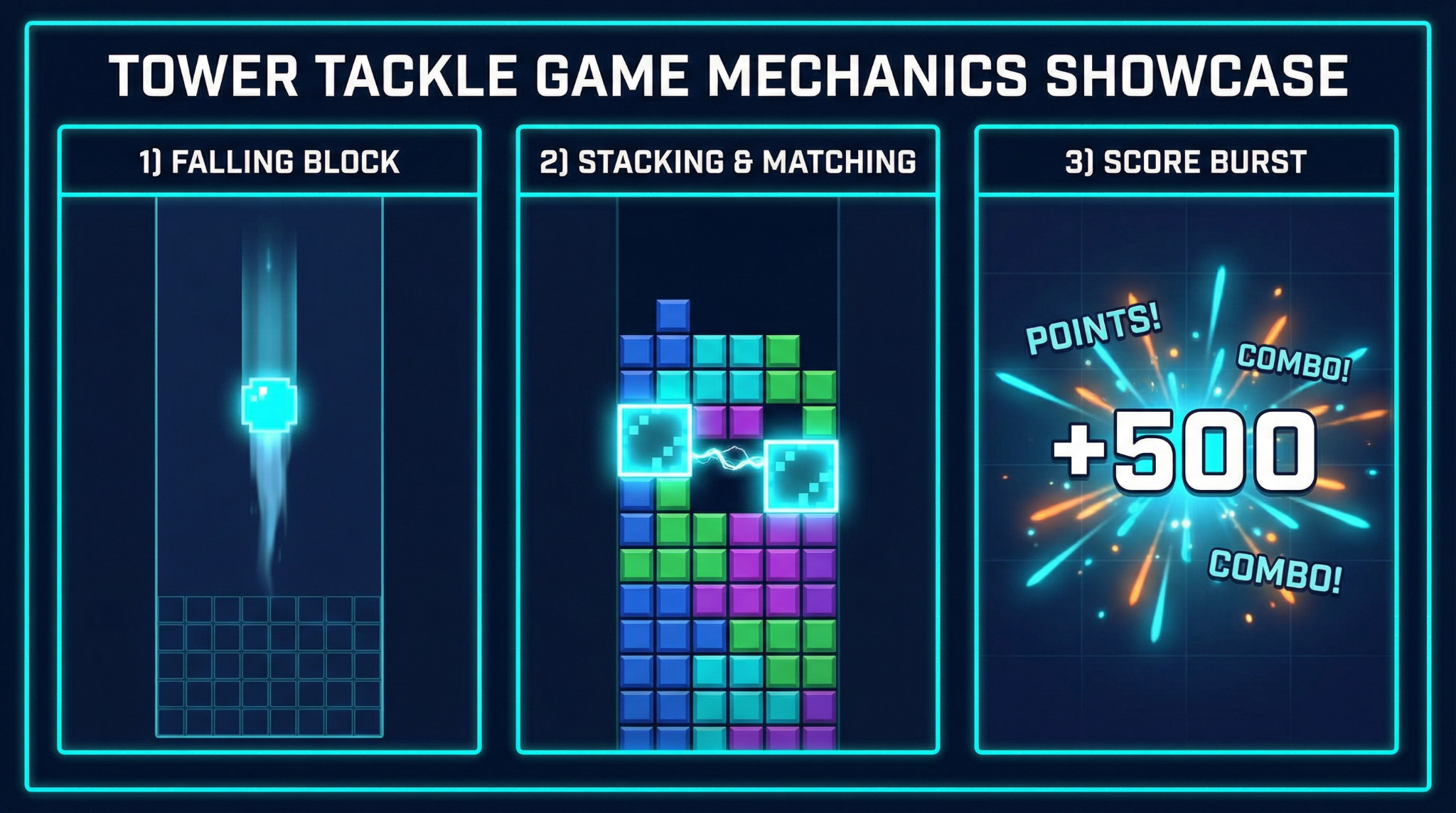
Watch the block glide left and right, then time your drop.
Tap, click, or press space to drop and land over the block below.
Clean alignment keeps your tower wider and easier to continue.
Each successful placement raises your score and your personal best target.
A clear explanation of the gameplay model used in every round.
The game listens to touch, mouse click, space, and enter events. All of them trigger the exact same drop action so control quality stays consistent across device types.
Each dropped block is compared to the top block in the stack. The overlap width becomes the new playable width. Missed portions are cut and fall away as visual feedback.
Score gain is based on valid placed width, with a bonus for near-perfect alignment. This rewards precision instead of random tapping.
Movement speed scales by level and level scales by stack count. Higher levels create faster lateral motion and tighter reaction windows while keeping rules unchanged.
Every session follows a repeatable cycle so players can improve by practice.
New block enters from left or right with level-based speed.
Player tracks movement path and predicts drop timing.
Overlap is evaluated and score is updated with alignment bonus logic.
Next block spawns with higher pressure until failure or pause.
Designed for clean play sessions with no hidden behavior.
Game info is readable and uncluttered across all screen sizes.
Lightweight code and responsive canvas behavior keep play smooth.
Use touch, mouse, or keyboard with the same gameplay logic.
General audience visuals and language suitable for broad audiences.
Best score data is saved locally in your browser, not uploaded.
Easy access to contact, privacy, cookie, and terms pages from every page footer.
Play style variants built around the same stacking and overlap core model.
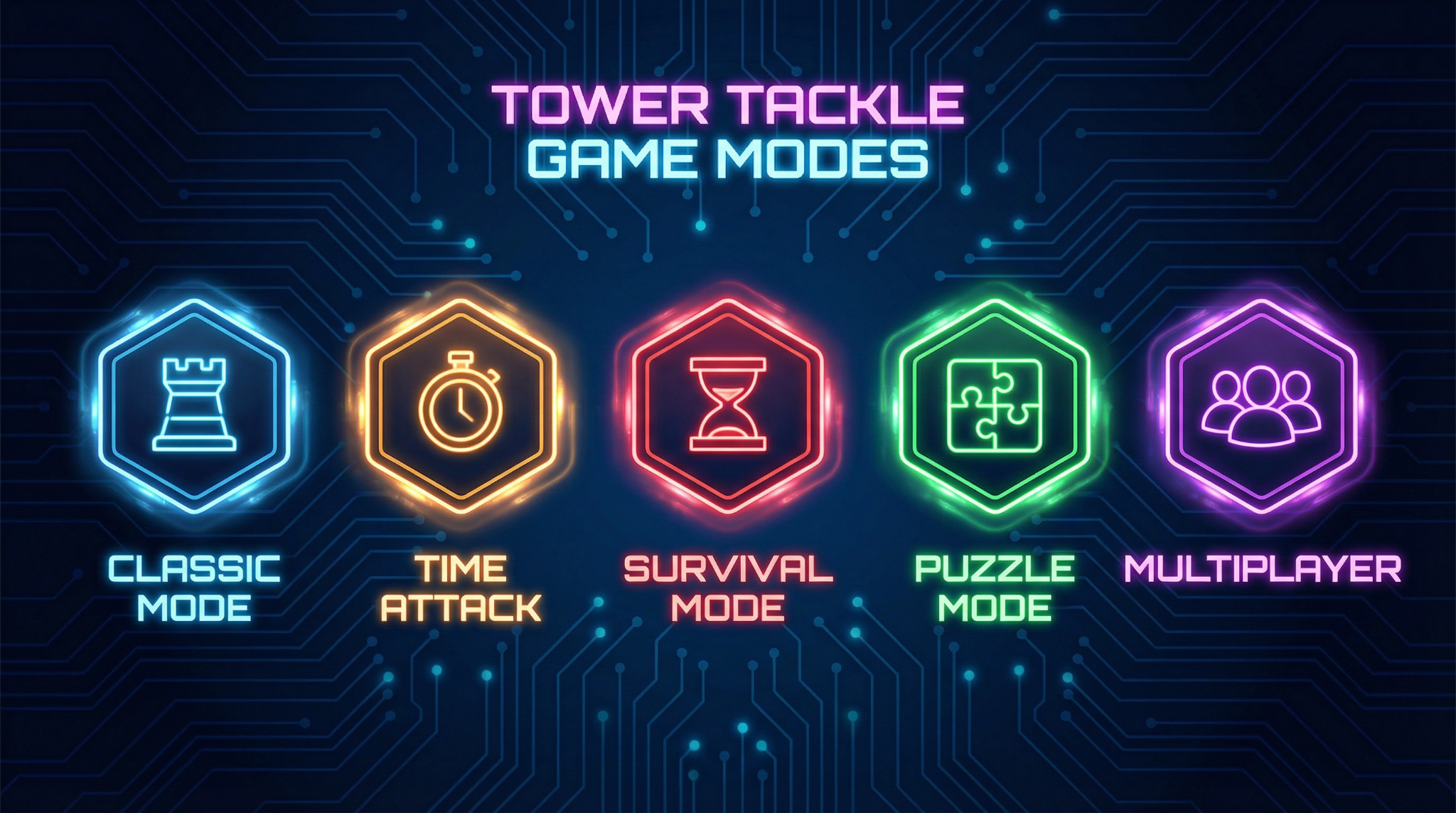
Core stack challenge with progressive speed and precision demands.
Prioritize fast decisions to maximize points under pressure.
Speed rises over time and punishes inaccurate drops.
Quick answers to the most common gameplay and model questions.
Each successful placement adds points based on overlap width. If placement is near-perfect, an additional alignment bonus is added. Missing minimum overlap ends the run.
Difficulty is tied to level progression. As stack count rises, block movement speed increases. This narrows timing windows while preserving the same core rules.
No. Mobile, tablet, and desktop share the same scoring, overlap, and progression logic. Only visual scaling and control method adapt per device.
Best score is stored in browser local storage on your current device/browser profile. It is not synced to an account by default.
After game over, tap the canvas to restart immediately. On the Play page, you can also use the dedicated Restart button at any time.
Use the Contact page and include device model, browser version, and the exact steps that reproduced the issue so support can verify quickly.
Start playing now and see how high you can climb with precise timing.
Start Playing